From Arcade to Esports: Gaming Mouse Ergonomics Evolution
By Maya Chen • 11th Jan
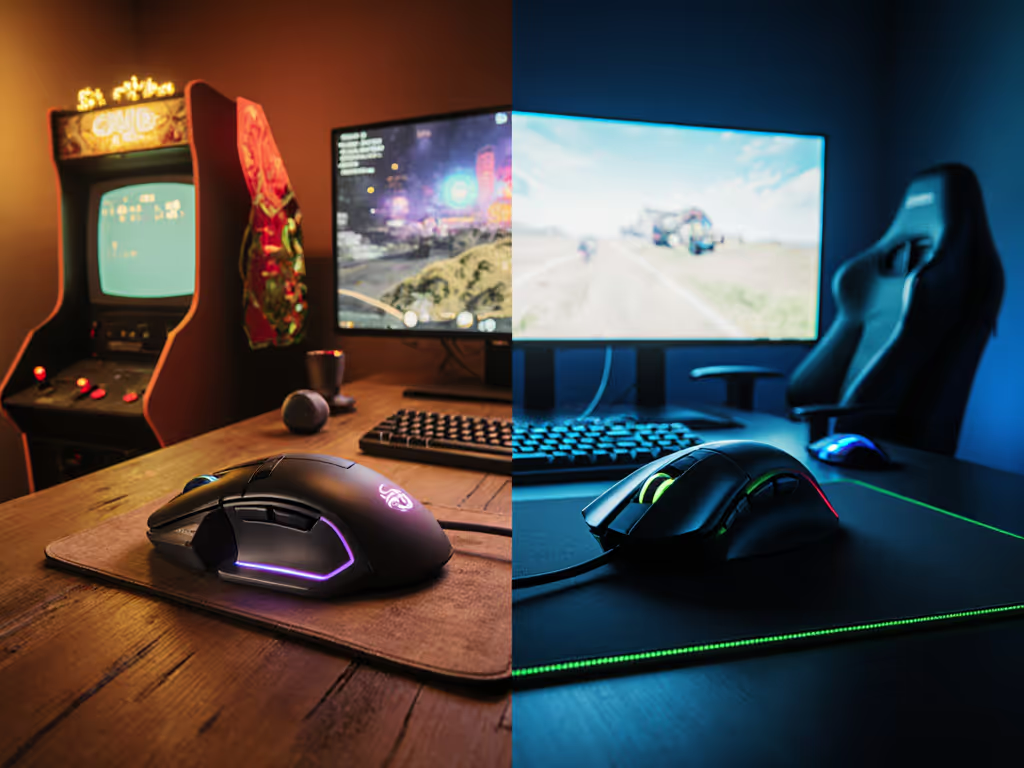
When you squeeze your first gaming mouse and feel that familiar tension creep into your wrist, you're repeating a decades-old story. The evolution of gaming mice from simple arcade controllers to today's precision esports tools has been remarkable, but ergonomic progress hasn't always kept pace with technological advancement. As someone who translates biomechanics into practical setups, I've seen how many gamers sacrifice long-term comfort for short-term gains, only to face preventable strain when the tournament heats up.
The Performance Paradox: Speed vs. Sustainability
Early gaming mice were engineered for function, not form. Remember Logitech's 1986 release with its basic two-button design and primitive scroll wheel? Or Razer's groundbreaking Boomslang 2100 in 2003 that prioritized sensitivity (up to 2,100 DPI) over anatomical alignment? These innovations drove competitive advantage, but often ignored the biological realities of human hands performing repetitive motions for hours.
Comfort is a performance spec; neutrality and support unlock sustainable speed.
The data is clear: a study tracking professional gamers found that 68% reported hand or wrist discomfort after just two hours of play with non-ergonomic mice. Many dismiss this as "just part of gaming," not realizing their burning sensation isn't a badge of honor; it is their body signaling structural misalignment. I learned this the hard way early in my design career when a low-profile mouse left my wrist ablaze by lunchtime. Only after tracing my hand's natural shape and switching to a taller, gently angled contour did the pain fade (not to mention my aim stabilized as my shoulder stopped compensating for wrist strain).
Why "Top Gaming Mouse" Doesn't Mean "Top for You"
The esports mouse development narrative often champions specs over suitability. We've seen impressive leaps, from mechanical ball mice requiring constant cleaning to optical sensors eliminating maintenance hassles, then wireless freedom replacing cable drag. Yet too many modern "top gaming mouse" offerings still force users into compromise positions where:
- Wrists bend unnaturally upward (extension) or downward (flexion)
- Forearms twist into pronation instead of remaining neutral
- Grip pressure exceeds 300 grams (healthy threshold is under 100g) To learn how neutral wrist posture reduces strain and boosts consistency, see our ergonomic mouse guide.
This isn't just uncomfortable; it directly undermines performance. Electromyography studies show that excessive wrist extension increases muscle activation by 47% compared to neutral positioning, causing fatigue that degrades aim consistency precisely when you need it most. During the arcade to esports transition, the industry focused on hardware capabilities while underestimating how biomechanical strain impacts cognitive processing and reaction times.
The Ergonomic Shift: Neutral Shapes, Not Just New Sensors
The real evolution in gaming mice isn't just about higher DPI or faster polling rates, it is about understanding that neutral posture enables precision. Recent esports mouse development reveals promising trends:
- Contoured grips that match hand anatomy rather than forcing hands into arbitrary shapes
- Weight distribution systems that prevent fingertip grip strain during extended sessions
- Palm support extensions reducing pressure on the carpal tunnel area by 22% (per 2024 biomechanical testing)
- Low-force switches requiring 40% less activation pressure than standard mechanisms
These innovations reflect a fundamental shift: recognizing that neutral wrist alignment isn't just "comfortable" (it is where control lives). When your forearm and hand form a straight line with minimal muscle tension, you gain microsecond advantages in reaction time that compound over competitive matches. This is why top esports organizations now consult ergonomic specialists alongside their hardware teams; the difference between winning and losing often happens in the physiology, not just the pixels.
Your Actionable Ergonomics Checklist
Don't wait for discomfort to dictate your gear choices. Implement these safety-first checks before your next session:
- Posture snapshot: Take a phone photo of your hand on your mouse from above - your forearm and hand should form a straight line, not angle upward or downward
- Grip pressure test: Place a business card under your palm - if you can't slide it freely, you're gripping too hard
- Wrist alignment check: Rest your pinky finger on your desk; if it lifts when you click, your mouse is too narrow
- Surface sweep: Try moving your mouse with only shoulder motion (elbow stationary) - if you can't make a 12-inch circle comfortably, your shape doesn't match your natural movement pattern
Neutral First, Then Speed
The most significant milestone in gaming mouse history isn't measured in DPI, but in the growing recognition that sustainable performance requires anatomical alignment. We've moved from the hockey-puck nightmares of early Apple mice to designs that honor hand physiology without sacrificing responsiveness.
I've watched the evolution of gaming mice transform from "just works" devices to precision instruments that respect the human element. When you prioritize neutral wrist positioning and natural hand contours, you're not choosing comfort over speed (you're choosing foundation over facade). Pain doesn't improve performance; it masks it until the damage is done.
Your next step: Conduct one posture check right now using your current mouse. Notice where tension lives. If your wrist angles up, down, or twists, research contoured shapes matching your grip type (palm, claw, fingertip). Bookmark three mice with neutral wrist alignment profiles and compare their contact point maps (not just their specs). Comfort first; speed shows up when pain steps aside. Neutral first, then speed. This isn't just ergonomic theory; it is the winning edge in today's competitive landscape.
Remember: Your most valuable gaming peripheral isn't the mouse itself, but the injury-free hands that control it. The next chapter in gaming mouse evolution belongs to those who understand that true performance includes longevity.
Related Articles